
Run your PrestaShop store from your phone
Orders, stock, customers and in-person sales with cash or card, synced live with your store.

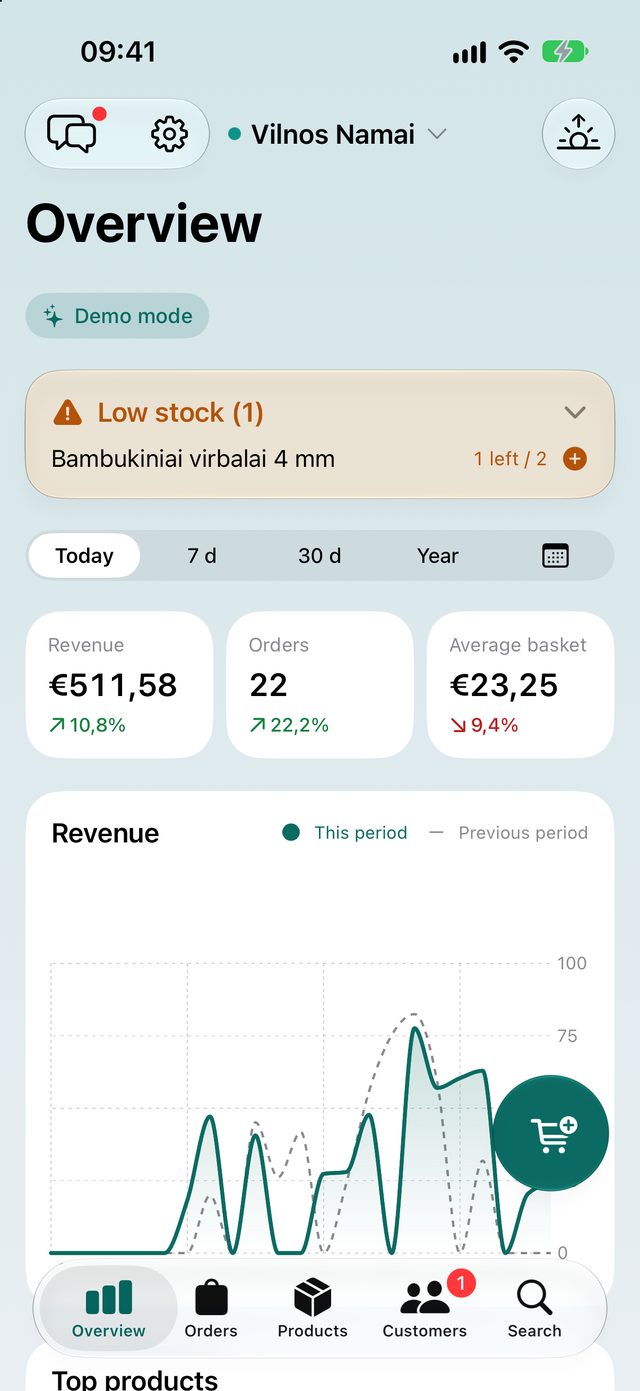
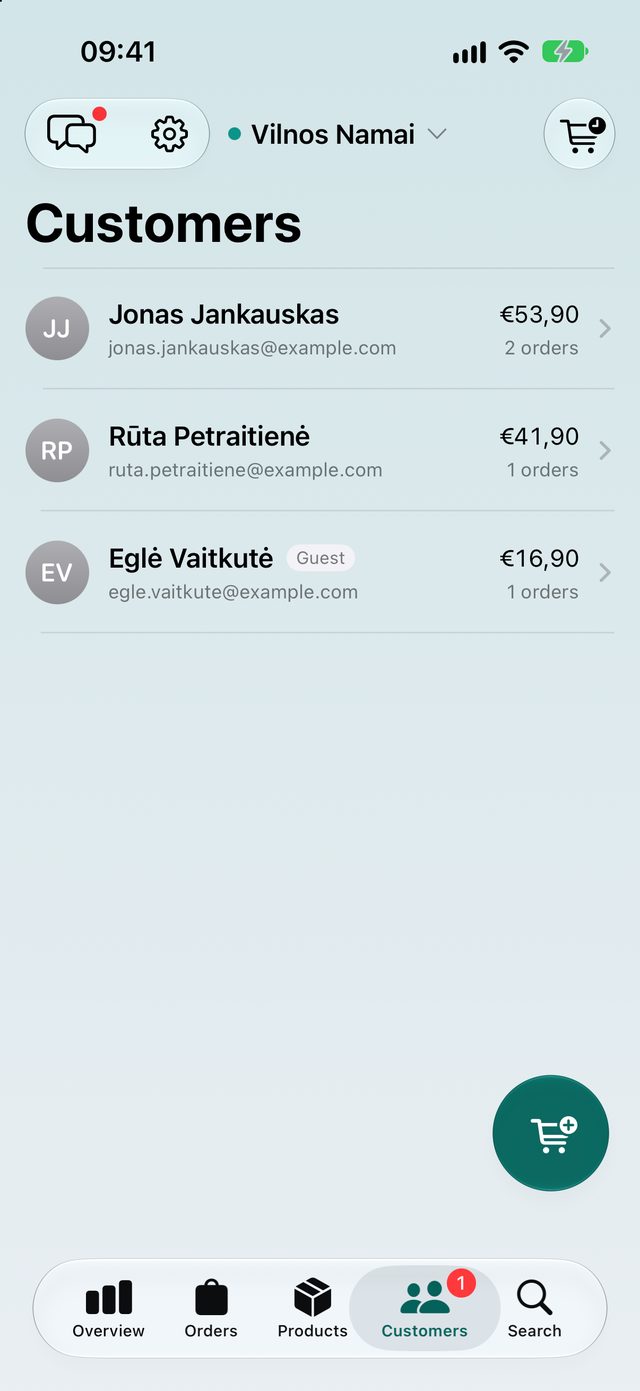
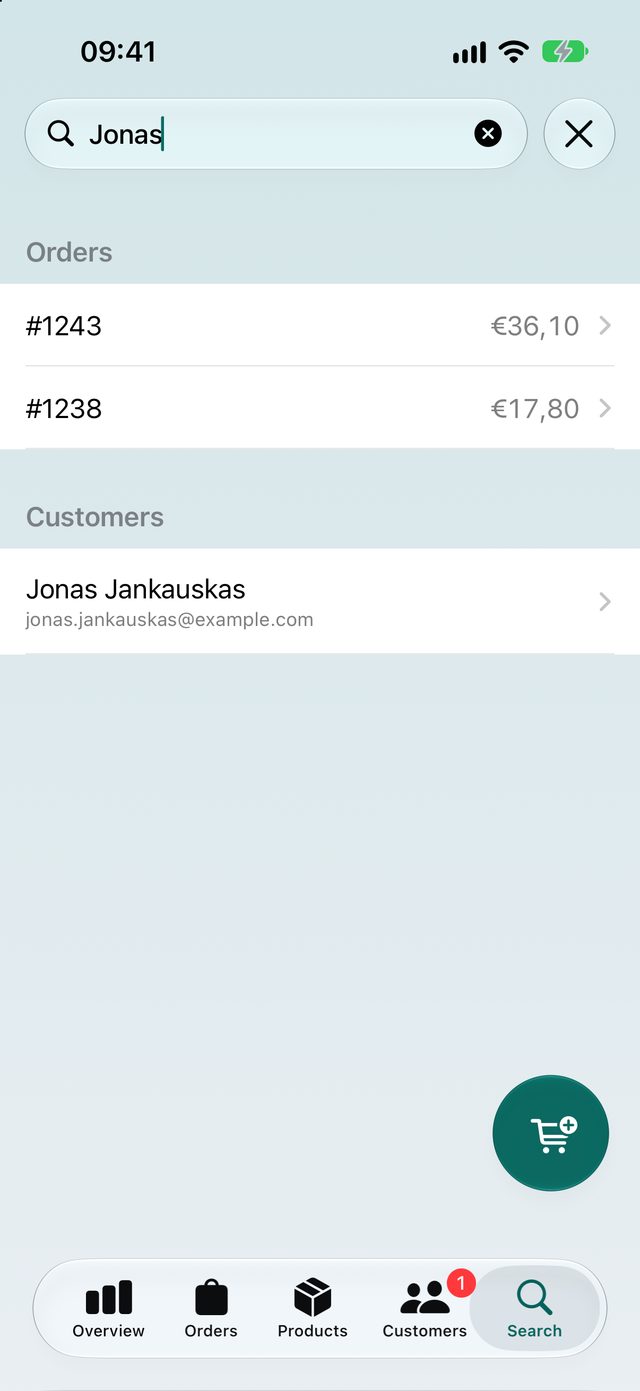
Your whole store, in your pocket
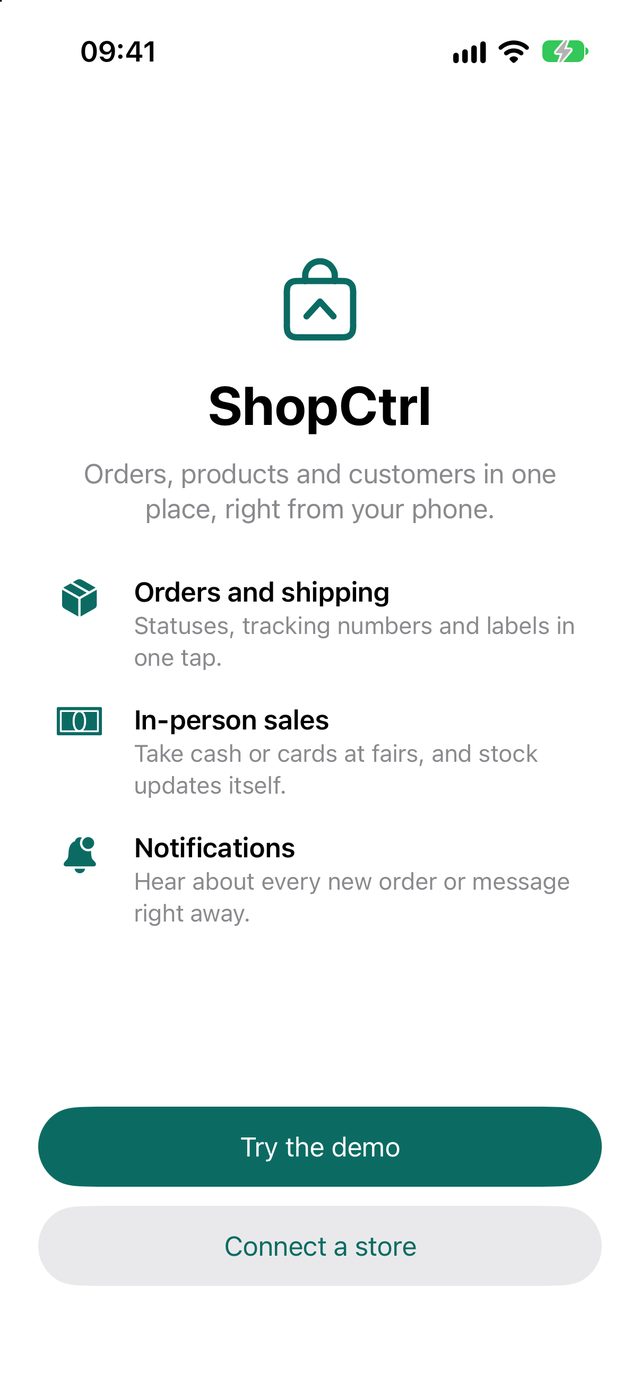
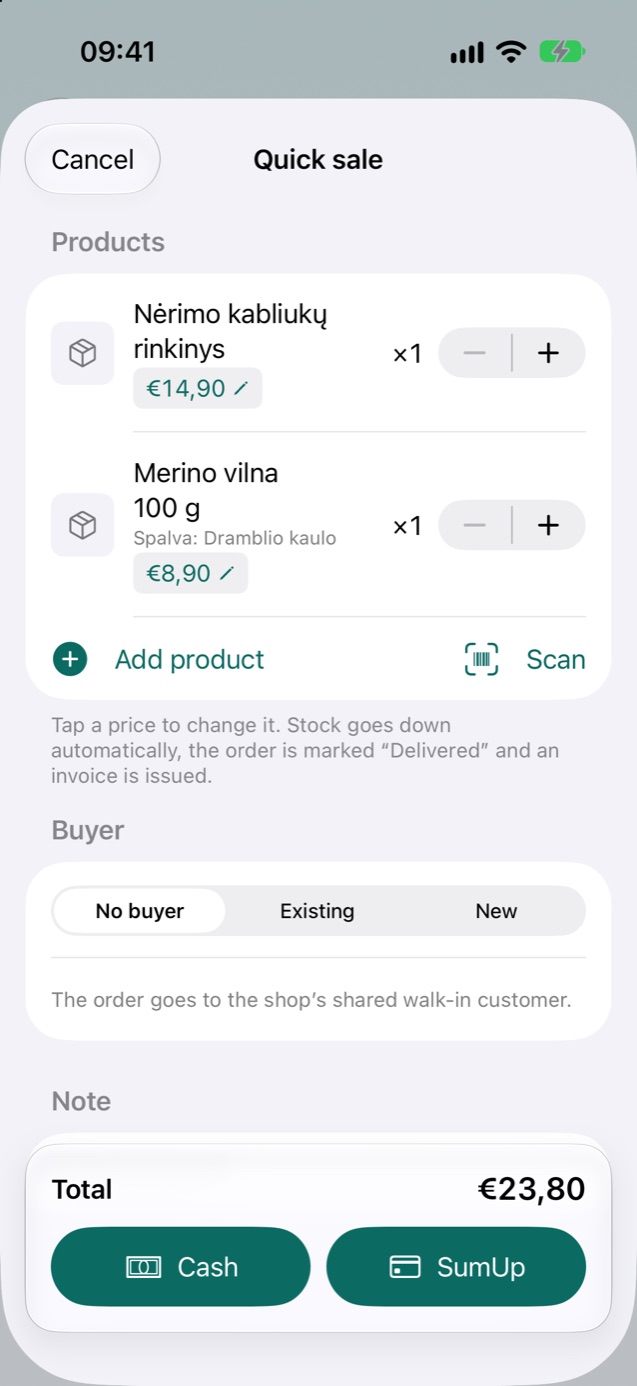
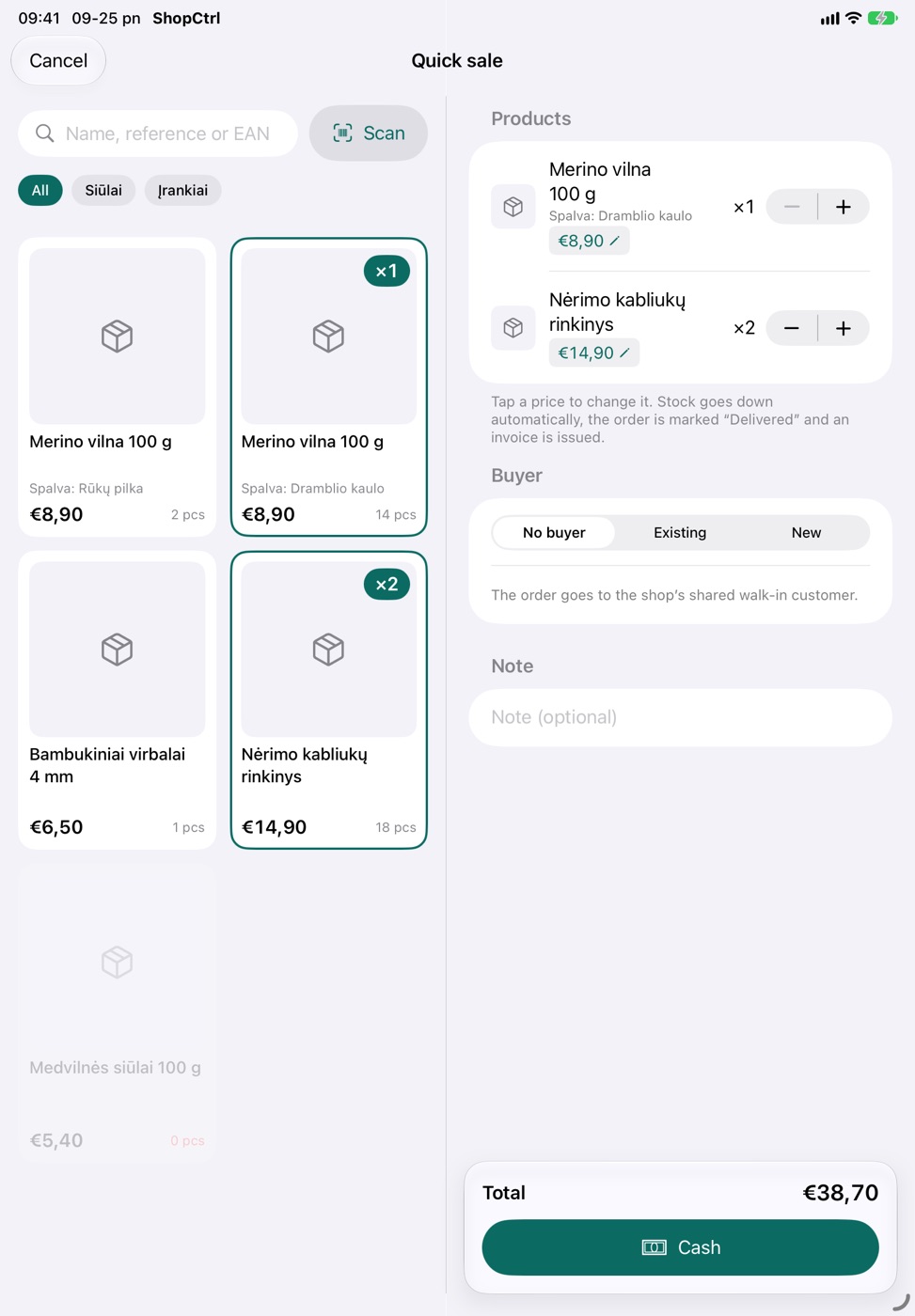
Sell at fairs and pop-ups
Tap or scan products, take cash or a card, and the invoice goes to the buyer by email.
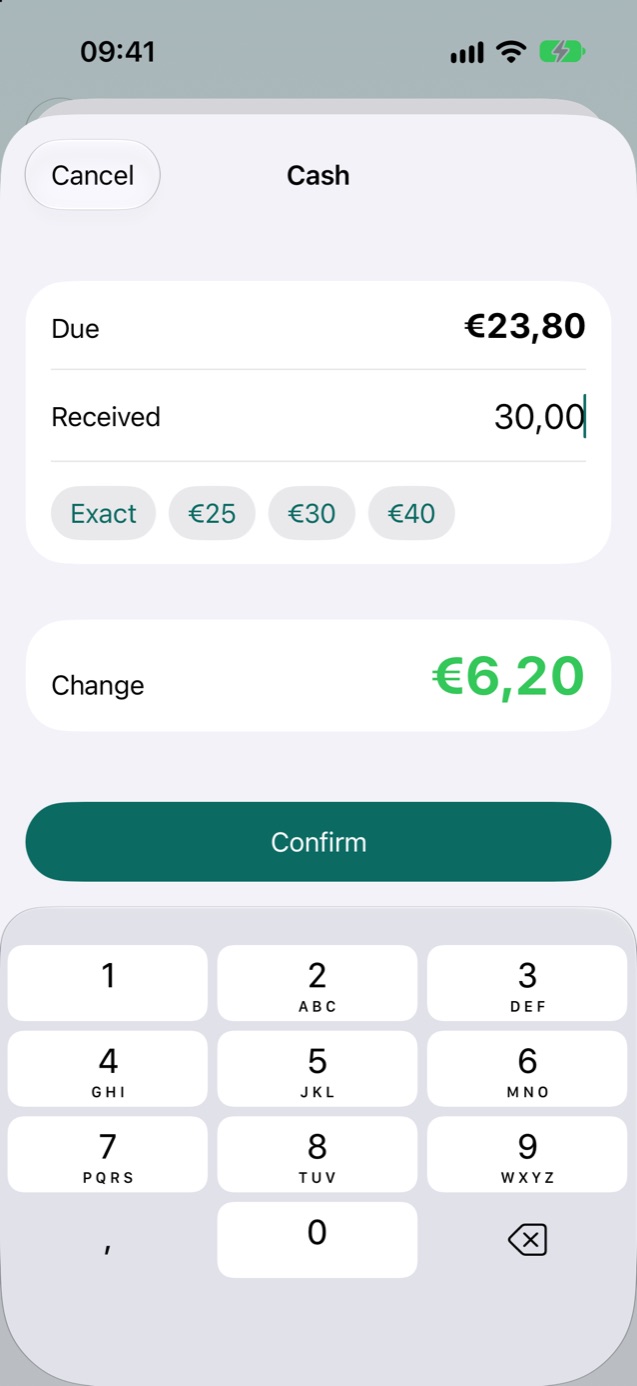
- Change calculator for cash, with numbered cash receipts
- Card payments through the SumUp app
- Stock drops the moment you sell and never goes below zero
- Receipt or card transaction number printed on the invoice
On iPad, it becomes a till
Product tiles on the left, the cart on the right. Big tap targets for a busy stall.
Everything else your store needs
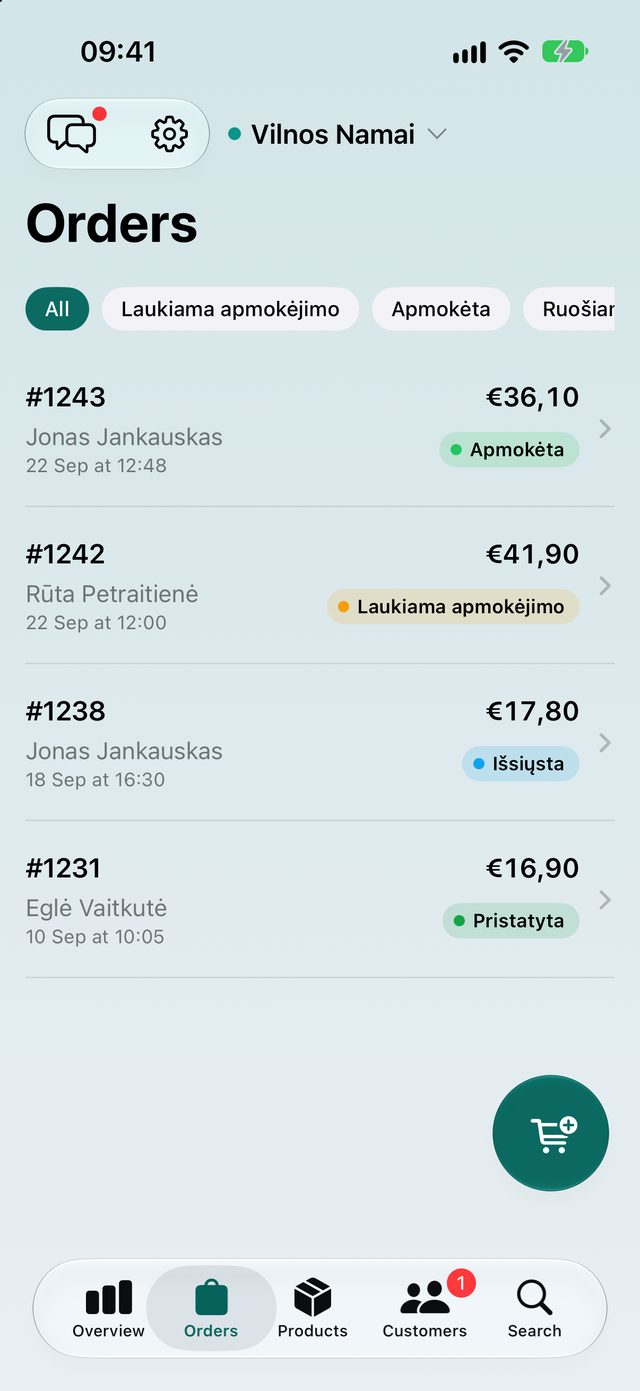
Orders and shipping
Change statuses, add tracking numbers, create Unisend and Omniva labels and resend emails. Works with the Omniva module 2.0–3.0.1 and Unisend 2.0.10.
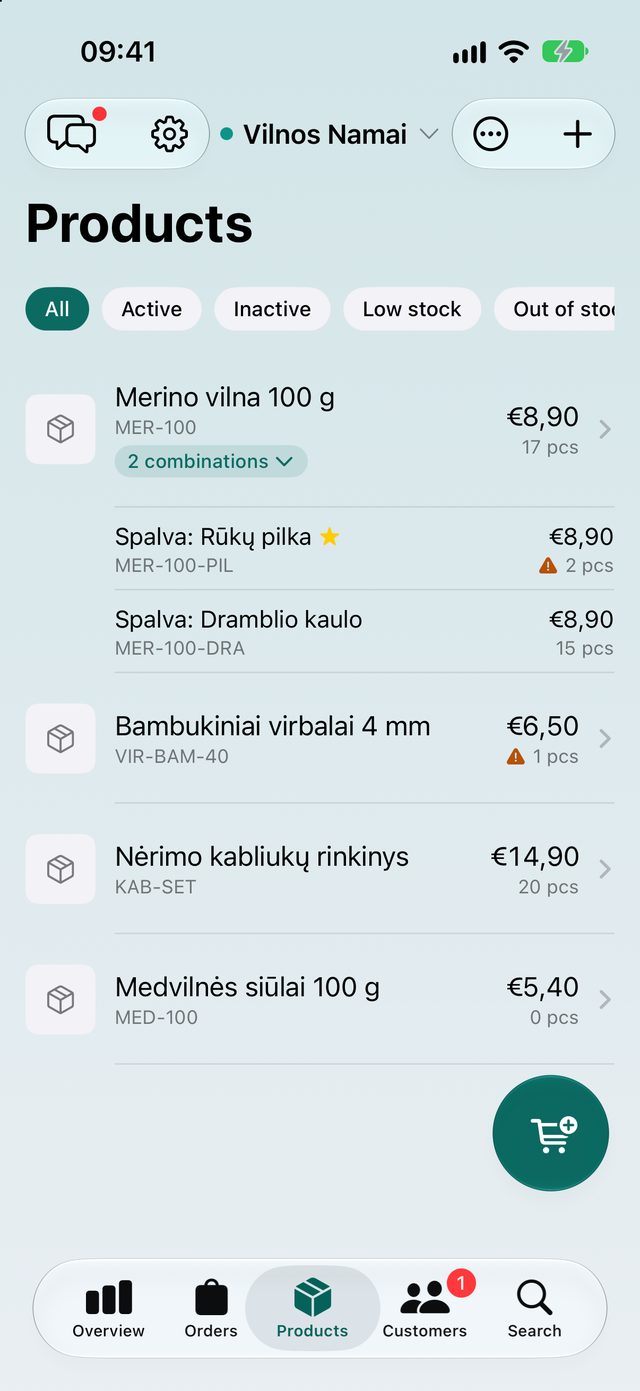
Products and stock
Edit products, photos and combinations. Update every quantity on one stock sheet.
Customers and messages
Order history, contact-form messages and replies that reach the customer by email.
Notifications
New orders, payments, customers and messages as push notifications.
Stats and widgets
Revenue, orders and top products, with a home screen widget.
Many stores, one purchase
Unlimited stores and connections for a single price, no subscription. Try every feature in demo mode first.
Set up in three steps
-
Install the free module
Upload the zip in your PrestaShop Module Manager. Works with PrestaShop 1.7.7 to 9.1.
-
Generate a QR code
On the module's page, choose an employee and create a pairing code.
-
Scan it in the app
Get ShopCtrl from the App Store and scan the code. It connects straight to your store.
Your store's data travels only between your phone and your store, never through our servers. Full installation guide